How to Watch IPTV on Windows PC & Apple Mac in Cyprus
Watching IPTV on your computer is perfect for students, remote workers, and sports enthusiasts in Cyprus. Whether on a Windows 11 desktop, a MacBook Pro, or an iMac, you can stream live TV directly in your browser or through dedicated desktop applications with multi-screen grid views, powered by our 12-Month Best Value Subscription.
Recommended Applications for Windows PC & Apple Mac
IPTV Smarters Pro for PC/Mac (Dedicated Desktop Client)
Native desktop application for Windows (.exe) and macOS (.dmg). Features multi-screen 4-game view, recording tools, and built-in EPG guide.
VLC Media Player (Universal & Lightweight)
The open-source media player capable of playing any M3U playlist file with custom buffer cache adjustments and network streaming.
Web Player Portal (Zero Installation Required)
Open Google Chrome, Safari, or Microsoft Edge, enter your login details, and watch instantly on any laptop without downloading software.
Step-by-Step Configuration Walkthrough
Download Desktop Player for Windows or Mac
Download "IPTV Smarters Pro" for your operating system (Windows .exe or Mac .dmg) or open VLC Media Player. If you also have a television in your living room, follow our Samsung and LG Smart TV setup guide.

Tip: If using macOS with Apple Silicon (M1/M2/M3/M4), download the Apple Silicon optimized version for maximum battery efficiency.
Launch Setup Wizard & Select Xtream API
Open IPTV Smarters Pro, click "Add New User", and select "Login with Xtream Codes API".

Tip: If using VLC Player, go to Media > Open Network Stream (Ctrl+N or Cmd+N) and paste your direct M3U URL.
Enter Server Details & Login
Fill in your Any Name (e.g. Cyprus TV Pro), Server URL, Username, and Password, then click "Add User".

Tip: Save your login profile so the player connects automatically every time you launch your laptop.
Stream in Full HD & Enable Multi-Screen
Click on Live TV to view all Cypriot, UK, and European bouquets. Click the "Multi-Screen" icon to divide your monitor into 4 simultaneous live sports feeds. Watch live football with zero blur as explained in our Cytavision Sports 1 to 7 guide.
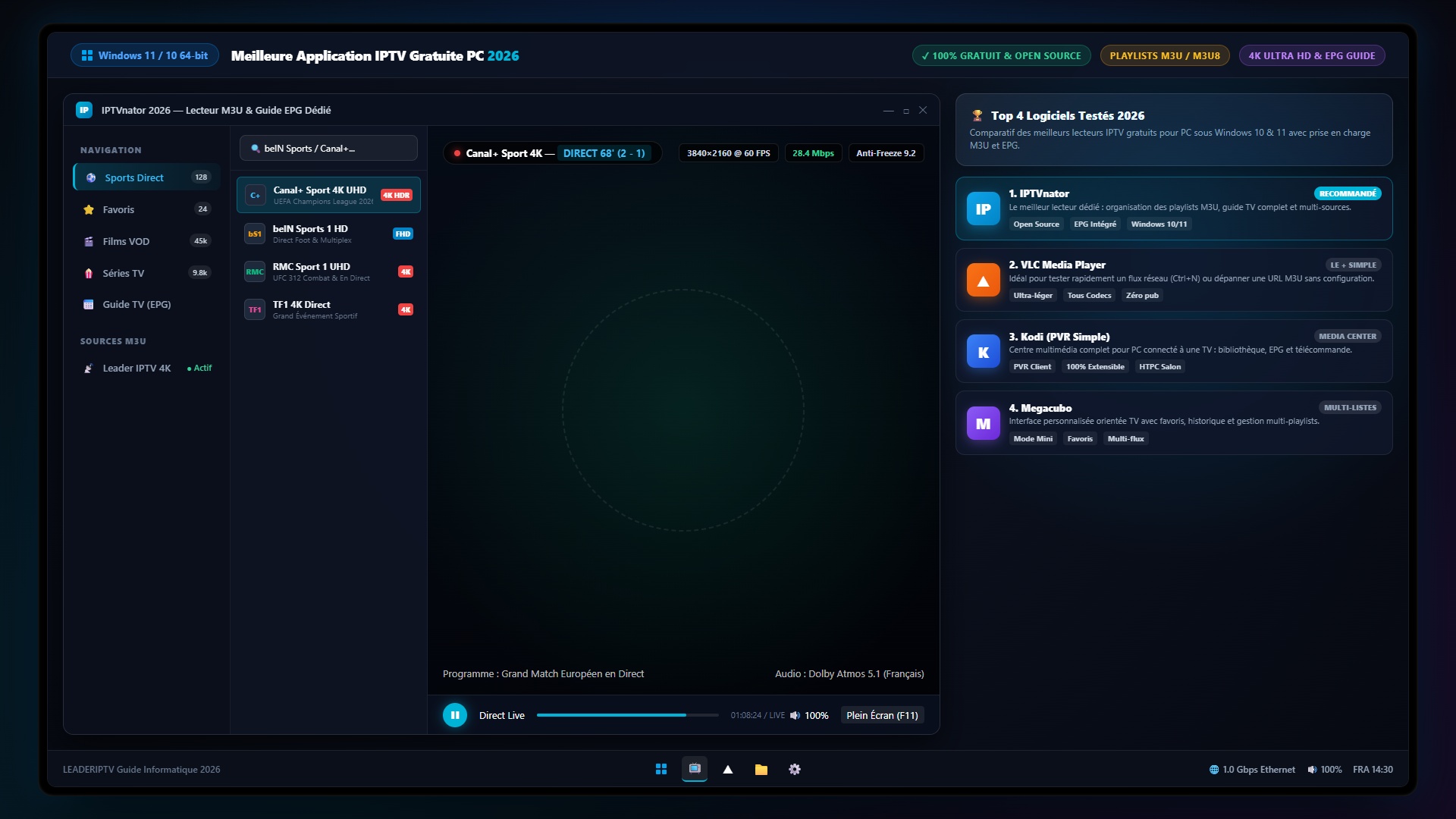
Tip: Press F11 for distraction-free Full-Screen viewing on secondary monitors or projector setups.
Frequently Asked Questions
Can I watch IPTV on my PC while travelling outside Cyprus?
Yes! Our server network spans major European data centers (Frankfurt, Amsterdam, London, Athens), so you can log in and stream your Cypriot channels seamlessly wherever you travel. Check our Cyprus IPTV buyer's guide for details.
Can I record live football matches on my PC?
Yes, IPTV Smarters Pro for Windows and Mac includes a built-in DVR recording function that allows you to save live broadcasts directly to your local SSD.
Is there a web browser player available?
Yes, we provide an encrypted web portal link that allows you to watch in Google Chrome, Safari, or Firefox without installing software.