Fix IPTV Buffering in Cyprus: Internet Speed & ISP Throttling Guide (Cyta, Cablenet, Epic)
By Alexandros Georgiou — Senior Streaming & Tech Analyst — 05 February 2026 (8 min read)
There is nothing more frustrating than having your television freeze in the 89th minute of a deadlocked football match while the dreaded loading spinner rotates on screen. In Cyprus, viewers frequently ask: 'My internet speed test shows 200 Mbps, so why is my IPTV still buffering during peak evening hours?'
The truth is that headline download speed is only one small piece of the puzzle. Video streaming requires consistent packet delivery, ultra-low jitter, and unthrottled international routing. In this technical masterclass, we examine how Cyta (Cytanet), Cablenet, and Epic fiber networks handle IPTV traffic, and show you exactly how to optimize your home setup for permanent zero-buffering playback. If you are comparing providers, read our best IPTV in Cyprus buyer's guide first.
1. How Much Bandwidth Does 4K IPTV Really Require?
Understanding real-world data throughput requirements is the first step in diagnosing streaming problems:
If your household has multiple active smartphones, gaming consoles, and Netflix streams running concurrently, a baseline fiber connection of 100 Mbps or higher is strongly recommended.
- Standard Definition (SD): 3 to 5 Mbps per active screen.
- High Definition (1080p @ 30 FPS): 10 to 15 Mbps per active screen.
- Ultra High Definition 4K & 60 FPS Sports: 25 to 35 Mbps of uninterrupted, low-latency bandwidth to watch Cytavision Sports 1 to 7 live in 4K 60FPS.
- Multi-Screen Quad-View (4 simultaneous sports feeds): 60 to 80 Mbps stable throughput.
2. Cyprus ISP Fiber Comparison: Cyta vs. Cablenet vs. Epic
Here is how the three major internet service providers in Cyprus perform for international streaming traffic:
| Provider | Broadband Technology | Local Cyprus Latency | International European Latency | Evening Throttling Risk |
|---|---|---|---|---|
| Cyta (Cytanet Fiber) | Pure FTTH (Fiber to the Home) | 2 – 4 ms | 38 – 45 ms (Frankfurt/London) | Extremely Low (Top tier routing) |
| Cablenet Fiberpower | Hybrid Fiber-Coaxial / FTTH | 3 – 6 ms | 42 – 50 ms (London/Athens) | Low (Occasional peak jitter) |
| Epic Fiber | FTTH / VDSL | 4 – 8 ms | 45 – 55 ms (Frankfurt) | Low to Moderate |
| 4G/5G Home Routers | Cellular Mobile Broadband | 15 – 35 ms | 65 – 90 ms | High during heavy cell tower usage |
3. ISP Throttling in Cyprus: How to Bypass It with Cloudflare DNS
During high-profile football matches (such as Champions League finals or Manchester United vs. Liverpool), some domestic telecom networks experience congestion on their default DNS resolvers. You can dramatically improve resolution speeds and bypass regional routing bottlenecks by switching your router or TV DNS servers to Cloudflare or Google DNS:
- Primary DNS (Cloudflare): 1.1.1.1
- Secondary DNS (Cloudflare): 1.0.0.1
- Alternative Primary DNS (Google): 8.8.8.8
- Alternative Secondary DNS (Google): 8.8.4.4
- How to Change: On your TV, navigate to Network Settings > IP Settings > DNS Settings > Manual, and type 1.1.1.1.
4. The 10 € Solution: Why You Should Ditch Wi-Fi for Ethernet
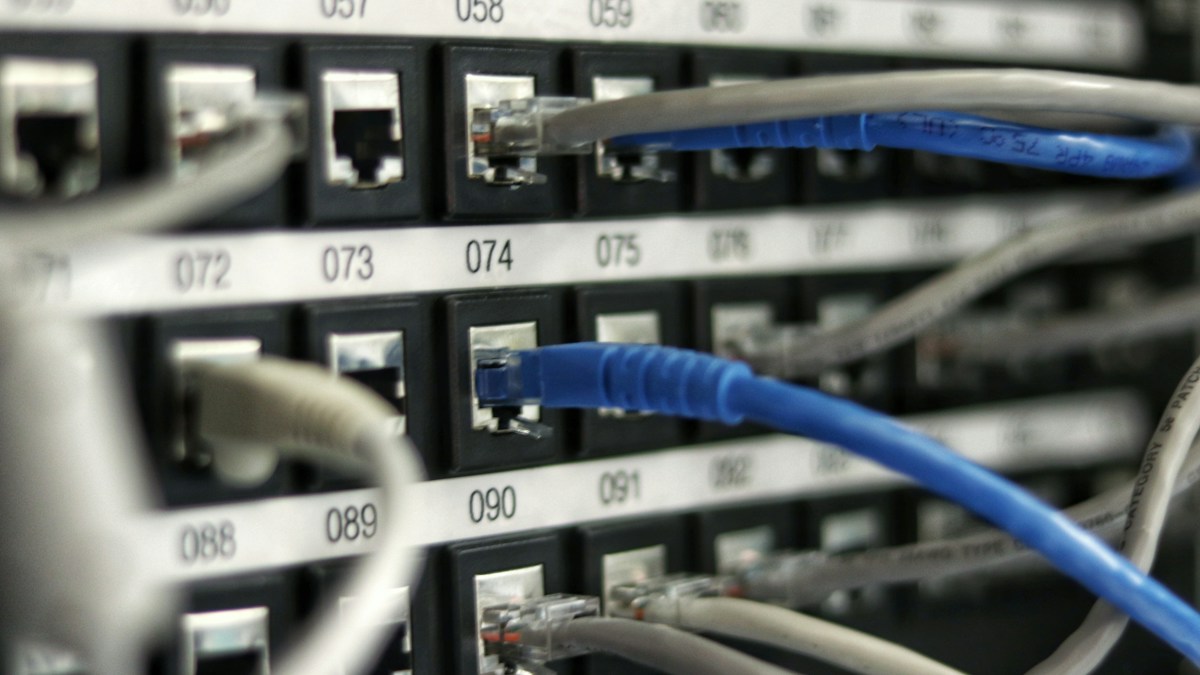
Over 80% of buffering complaints in Cyprus are caused by 2.4 GHz Wi-Fi interference rather than the IPTV server or telecom fiber. Dense concrete walls (standard in Cypriot apartment blocks in Limassol and Nicosia) severely degrade wireless signals. Connecting your Samsung or LG Smart TV, Amazon Fire TV Stick, or Android TV Box with an Ethernet LAN cable delivers instantaneous, uninterrupted data transmission and eliminates 95% of micro-stutters.
5. 4 Essential Player Buffer Tweaks for Anti-Freeze Playback
Fine-tune these settings in your player application for a flawless viewing experience. To see app-specific settings, review our best IPTV apps comparison:
- Increase Stream Buffer Size: In TiviMate or IBO Player, change Buffer Size from 'None' or 'Small' to 'Large' (5000ms to 10000ms). This creates a safety buffer that absorbs brief Wi-Fi dips.
- Enable Hardware Acceleration: Ensure video decoding is handled by your TV's dedicated graphics chip rather than software emulation.
- Select HLS or MPEG-TS: In your line settings, test both protocols. HLS handles varying bandwidth gracefully, while MPEG-TS delivers the lowest latency.
- Restart Your Router Weekly: Fiber optical network terminals (ONT) and routers accumulate memory caches that should be cleared with a 30-second power cycle once a week.
Frequently Asked Questions
Why does my IPTV buffer only on Saturday afternoons during football?
Saturday afternoon is peak internet traffic time across Europe. Budget IPTV providers overload their servers with 5,000+ users per node, causing massive lag. Cyprus TV Pro operates load-balanced 10 Gbps CDN nodes to guarantee smooth sports playback at all times on our 12-Month Best Value Pass.
Do I need a VPN to stop buffering in Cyprus?
Usually no, because Cyprus TV Pro uses SSL-encrypted endpoints that ISPs cannot distinguish from standard HTTPS web traffic. However, changing your DNS to Cloudflare (1.1.1.1) provides an extra speed boost.
What is the minimum speed needed for Cytavision Sports in 4K?
A steady connection of 25 Mbps is sufficient for one 4K stream. Cyta, Cablenet, and Epic fiber plans starting at 100 Mbps easily provide more than triple this requirement. Follow our Cytavision Sports 1 to 7 guide for match coverage.