How to Install IPTV on Android TV, Google TV & MAG Boxes in Cyprus
Android TV, Google TV smart displays (Sony Bravia, TCL, Philips, Xiaomi Mi TV), streaming boxes (Nvidia Shield TV, Xiaomi Mi Box S, Chromecast with Google TV), and dedicated Infomir MAG devices (MAG 322, 424, 524) offer the ultimate flexibility for Cyprus IPTV users. With native Google Play Store access, installing high-tier players takes just a few clicks to enjoy our 12-Month Best Value Pass.
Recommended Applications for Android TV & MAG Boxes
TiviMate IPTV Player (Premier Android Player)
The benchmark IPTV player with customizable modern UI, voice search integration, catch-up TV, and multi-playlist management.
OTT Navigator IPTV (Highly Customizable)
Advanced video rendering options, dynamic picture-in-picture, and studio-grade audio codecs support.
Stalker Portal (MAG Boxes) (Classic Infomir Portal)
Direct hardware MAC address registration for Infomir MAG Linux set-top boxes with classic remote control navigation.
Step-by-Step Configuration Walkthrough
Open Google Play Store on Android TV
From your Android TV or Google TV dashboard, open the Google Play Store, search for "TiviMate IPTV Player" or "OTT Navigator", and install the app.

Tip: For MAG set-top boxes, skip the Play Store and go straight to System Settings > Servers > Portals, or follow our Formuler and Enigma2 setup guide.
Add Playlist & Select Connection Mode
Launch TiviMate and click "Add Playlist". Choose "Xtream Codes" (or select Stalker Portal if configuring a MAG receiver with MAC authentication).
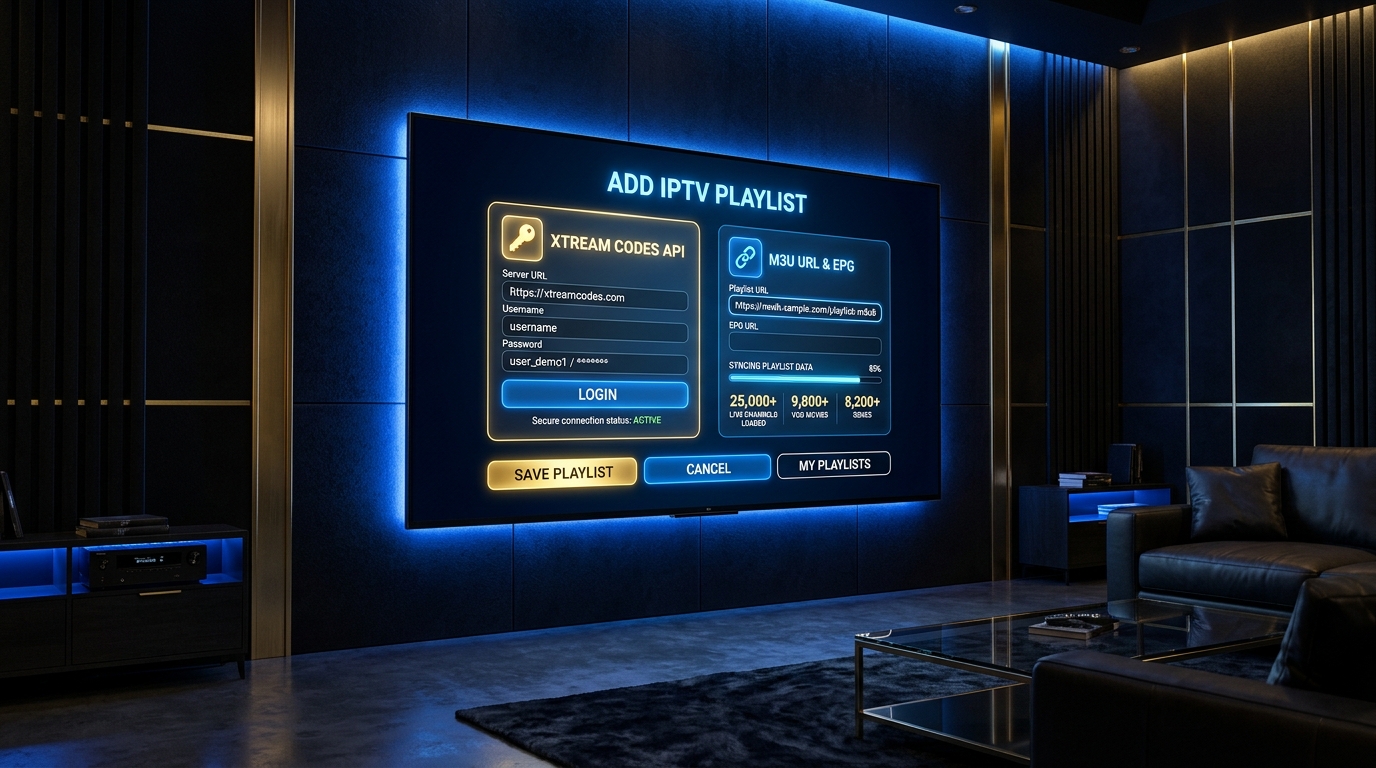
Tip: Xtream Codes API is strongly recommended over standard M3U because it downloads full EPG guide data and categories automatically.
Enter Server Credentials & EPG Settings
Type your Server Address (http://...:8080), Username, and Password. In the EPG settings, set time offset to GMT+2 (Cyprus Time Zone) if needed.

Tip: Check the "Include VOD" box to enable access to over 120,000 on-demand movies and series.
Enjoy 4K HDR Sports & Multi-Screen
All channels will sync within seconds. Enjoy seamless channel surfing, multi-screen quad-view for sports, and 7-day replay. Check out our top IPTV apps review for Cyprus.
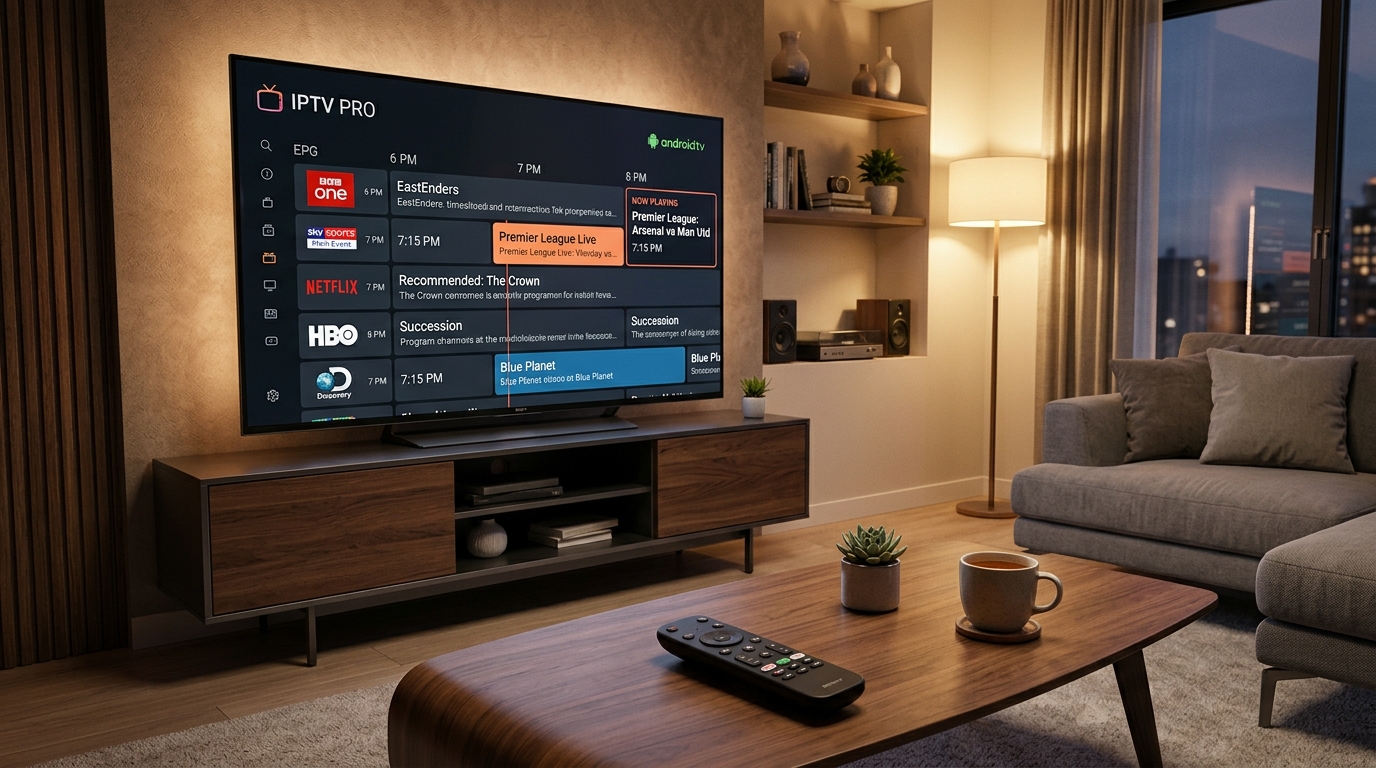
Tip: Connect via an Ethernet LAN cable to avoid Wi-Fi stutter as explained in our Cyprus internet speed guide.
Frequently Asked Questions
Can I use an Infomir MAG box with your service in Cyprus?
Yes! We fully support all MAG models (MAG 250, 254, 322, 424, 524). Simply send your device MAC address (starting with 00:1A:79) to our WhatsApp support, and we will activate the portal for you.
Which Android TV box delivers the best performance in Cyprus?
The Nvidia Shield TV Pro is the absolute king of 4K streaming, followed closely by the Xiaomi Mi Box S (2nd Gen) and Google Chromecast 4K with Google TV. If you also use an Amazon Fire TV device in another room, follow our Amazon Firestick guide.
Does TiviMate require a premium subscription?
TiviMate has a free version that works great for basic viewing, but TiviMate Premium unlocks multi-screen, catch-up, and custom channel ordering.