How to Setup IPTV on Formuler (MYTVOnline 2/3), Amiko & Enigma2 in Cyprus
For IPTV purists who prefer the traditional television remote control experience, dedicated hardware receivers like Formuler (Z8, Z10, Z11 Pro Max with MYTVOnline 2 and 3), Amiko, and Enigma2 Linux satellite boxes (Dreambox, Vu+, Octagon running OpenATV) offer instant zero-lag channel switching, hardware-level video deinterlacing, and advanced DVB/IPTV integration on our 12-Month Best Value Pass.
Recommended Applications for Formuler, Amiko & Enigma2
MYTVOnline 2 & 3 (Exclusive to Formuler Hardware)
Widely praised as the most polished set-top box interface. Features 0.2s ultra-rapid zapping, integrated DVB terrestrial/satellite tuner support, and USB recording.
Enigma2 / OpenATV XC Plugin (Linux Satellite Hybrid)
Allows importing Xtream Codes playlists directly into your Enigma2 channel bouquets alongside local satellite feeds.
Stalker Middleware (Classic MAC Protocol)
Hardware MAC registration (00:1A:79:...) for seamless plug-and-play streaming on all Infomir and Amiko boxes.
Step-by-Step Configuration Walkthrough
Open Connections Menu on Formuler or Enigma2
On your Formuler box, open "MYTVOnline 2" or "MYTVOnline 3", go to Menu > Connections, and select "Add Portal" (or open the XC Plugin on Enigma2). If you also use an Android TV or Google TV box, check our Android TV and Google TV setup tutorial.
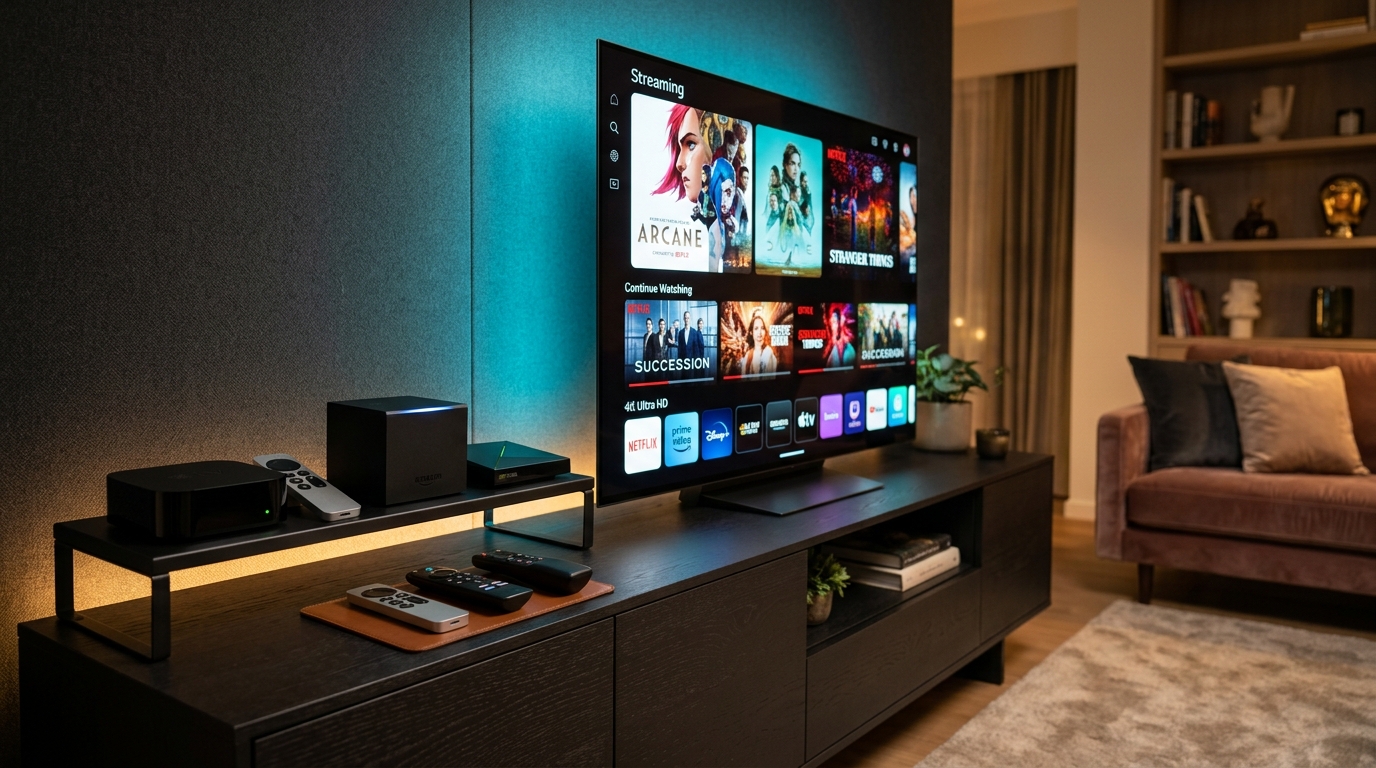
Tip: Make sure your Formuler box firmware is updated to the latest version in the software update menu.
Provide MAC Address or Select Xtream Codes
If using Stalker Portal mode, locate your device MAC address (starts with 00:1A:79) on the barcode under the box and send it to our WhatsApp support team.

Tip: If using Xtream Codes mode on Formuler, you do not need MAC registration; simply enter your username and password.
Enter Server Portal URL
In the Portal URL field, enter the dedicated Cyprus TV Pro portal URL (http://.../c/), set Portal Nickname to "Cyprus TV", and click "Connect".

Tip: Ensure the trailing slash is included in the portal URL if required by your specific firmware.
Instant Channel Zapping & 7-Day EPG Guide
The receiver will load your categories, Cytavision Sports channels, and full Electronic Program Guide in seconds. For optimal stability, check our Cyta & Cablenet fiber speed guide.
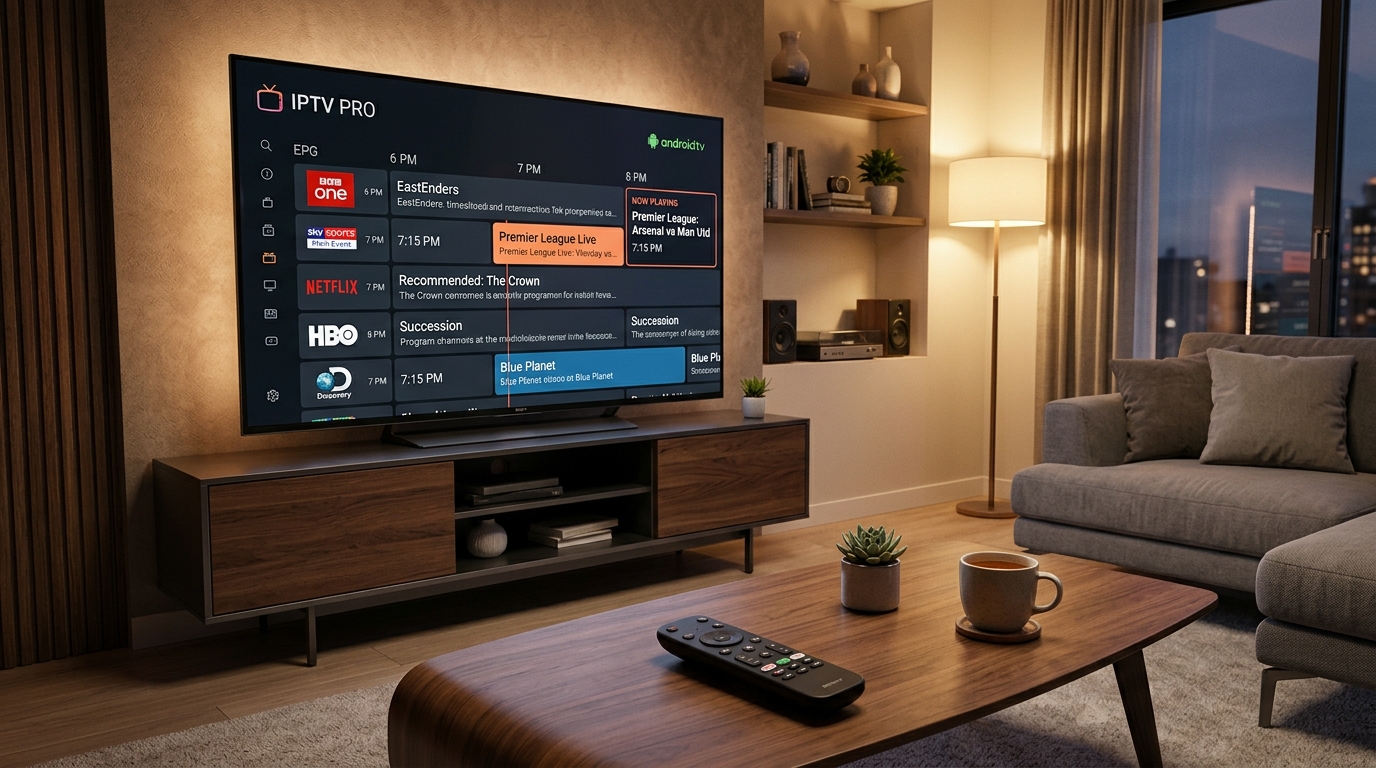
Tip: Plug a USB 3.0 flash drive or external hard drive into the Formuler USB port to enable instant pausing and scheduling of live matches.
Frequently Asked Questions
Why is Formuler with MYTVOnline considered the best for live sports?
Formuler hardware integrates a dedicated hardware picture-processing engine and deep RAM cache that eliminates micro-stutters during high-speed football motion. Learn more in our guide to watching Cytavision Sports in Cyprus.
Can I use an Enigma2 satellite box with your Cyprus IPTV service?
Yes! We provide an automated PuTTY/Telnet script (wget command) that creates bouquets in your Enigma2 channel list in under 10 seconds.
What is the difference between MYTVOnline 2 and MYTVOnline 3?
MYTVOnline 3 (available on Formuler Z11 models) supports multiple simultaneous provider connections, universal search across all playlists, and a refreshed glassmorphism UI.